


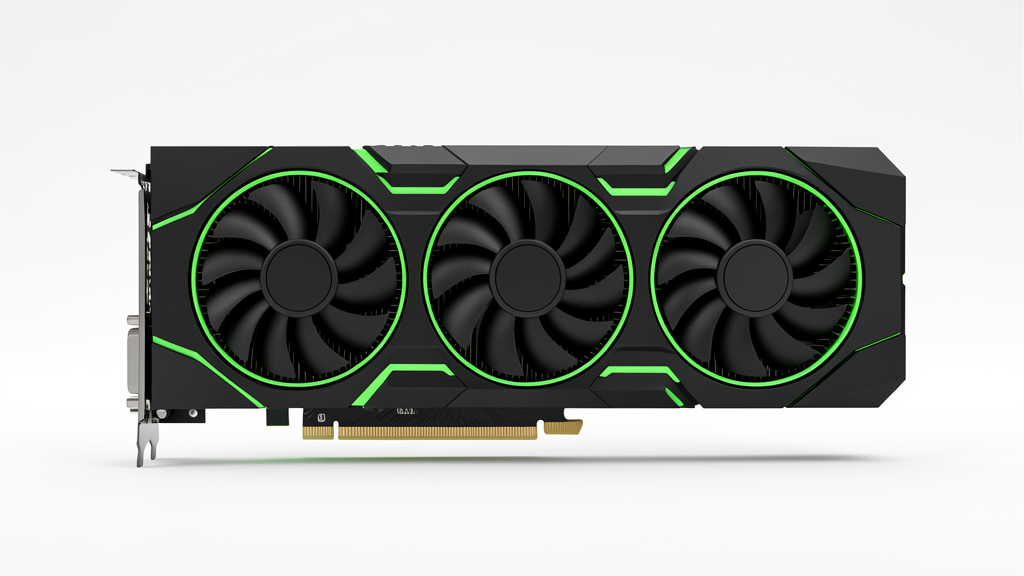
NVIDIA GeForce RTX 4080 SUPER Drivers & Software
The NVIDIA GeForce RTX 4080 SUPER page helps users find the hosted NVIDIA driver package, GPU software tools, and practical installation guidance in one place.
NVIDIA GeForce RTX 4080 SUPER Product overview
The NVIDIA GeForce RTX 4080 SUPER is designed for 4K gaming and creator workloads with Super refresh performance. It pairs NVIDIA App 11.0.7.247 with modern driver support, game-ready updates, and the software stack needed for gaming, creator workloads, and GPU-accelerated apps.
This page keeps the download action, software details, specifications, and troubleshooting guidance together so users can install the right package without extra noise.
NVIDIA GeForce RTX 4080 SUPER Quick Download
Download the hosted NVIDIA driver and software package for NVIDIA GeForce RTX 4080 SUPER. The button below opens the hosted package directly, while the rest of this page explains the GPU software, specifications, installation steps, and common troubleshooting options.
Download NVIDIA App 11.0.7.247
NVIDIA GeForce RTX 4080 SUPER Video Review
A short video review can help you compare real-world gaming, thermals, noise, and software behavior before installing the driver package. The embedded review below is included as contextual reference for NVIDIA GeForce RTX 4080 SUPER and does not replace the official NVIDIA software documentation.
NVIDIA GeForce RTX 4080 SUPER Software
The hosted package uses NVIDIA App 11.0.7.247, which provides driver installation, driver updates, game settings, GPU monitoring, and GeForce service workflows in one place.
Download NVIDIA App 11.0.7.247
NVIDIA GeForce RTX 4080 SUPER Key Features
- DLSS 3 Frame Generation, Ray Tracing, NVIDIA Reflex, AV1 encoding, and CUDA acceleration.
- Supports modern gaming and creator workloads with stable driver updates.
- Designed for clean installs, performance tuning, and routine driver maintenance.
- Works with NVIDIA App, GeForce service tools, and CUDA-based applications.
NVIDIA GeForce RTX 4080 SUPER Technical Specifications
| Specification | Details |
|---|---|
| Architecture | Ada Lovelace |
| CUDA Cores | 10,240 |
| Memory | 16 GB GDDR6X |
| Memory Bus | 256-bit |
| Boost Clock | up to 2,550 MHz |
| Power | 320 W |
| Display Outputs | HDMI 2.1a, DisplayPort 1.4a |
NVIDIA GeForce RTX 4080 SUPER Supported Games and RTX Features
NVIDIA GeForce RTX 4080 SUPER is commonly used with games such as Cyberpunk 2077, Fortnite, Forza Horizon 5, Starfield, and Alan Wake 2. The RTX software stack helps improve frame pacing, visual quality, and responsiveness through features such as DLSS 3 Frame Generation, Ray Tracing, NVIDIA Reflex, AV1 encoding, and CUDA acceleration.
- Use DLSS and Reflex where supported to improve smoothness and latency.
- Use ray tracing and frame generation when the game and driver version support them.
- Use CUDA acceleration for creator and AI-assisted workloads.
NVIDIA GeForce RTX 4080 SUPER Driver Package Details
| Item | Details |
|---|---|
| Software Name | NVIDIA App |
| Version | 11.0.7.247 |
| File Name | NVIDIA_app_v11.0.7.247.exe |
| Package Type | Hosted NVIDIA driver and software package |
| Primary Use | 4K gaming, creator workloads, DLSS 3, ray tracing, CUDA acceleration, streaming, and AI-assisted apps. |
How to Install the NVIDIA GeForce RTX 4080 SUPER Driver
- Download the hosted NVIDIA App package from the button above.
- Close game launchers, recording tools, and GPU monitoring apps.
- Run the installer and choose the recommended installation path.
- Restart the PC when the installer asks you to do so.
- Open NVIDIA App and confirm that the driver version matches the package on this page.
NVIDIA GeForce RTX 4080 SUPER Troubleshooting Tips
- If the driver installer fails, run a clean install from the NVIDIA App installer options.
- If performance drops, update Windows, close background capture tools, and confirm the game is using the correct GPU.
- If the display flickers, check the cable, monitor refresh rate, and display driver version.
- If a game crashes, lower ray tracing settings first, then update the game and driver again.
- If NVIDIA App does not detect the GPU, restart the PC and check Device Manager for the graphics adapter.
NVIDIA GeForce RTX 4080 SUPER Interesting Facts
- NVIDIA GeForce RTX 4080 SUPER belongs to the GeForce RTX family and supports NVIDIA’s modern gaming software stack.
- The page is built for users who want the device name, software details, and download action clearly visible without extra noise.
- The hosted package keeps the driver installation path simple while still giving users enough context to troubleshoot common issues.
FAQ: NVIDIA GeForce RTX 4080 SUPER Software and Driver
Which software is included with NVIDIA GeForce RTX 4080 SUPER?
The page provides the hosted NVIDIA App 11.0.7.247 package for driver installation and GPU software management.
Which games benefit from NVIDIA GeForce RTX 4080 SUPER?
Games such as Cyberpunk 2077, Fortnite, Forza Horizon 5, Starfield, and Alan Wake 2 can benefit from RTX features, DLSS, Reflex, and driver-level optimizations when supported.
Is a clean install recommended for NVIDIA GeForce RTX 4080 SUPER?
A clean install is recommended when you are changing driver branches, fixing instability, or moving from an older GPU generation.
Is the NVIDIA GeForce RTX 4080 SUPER download free on PlugDriver?
Yes. PlugDriver hosts the package so users can reach the driver and software package from one page without extra noise.
 (No Ratings Yet)
 Loading...
