


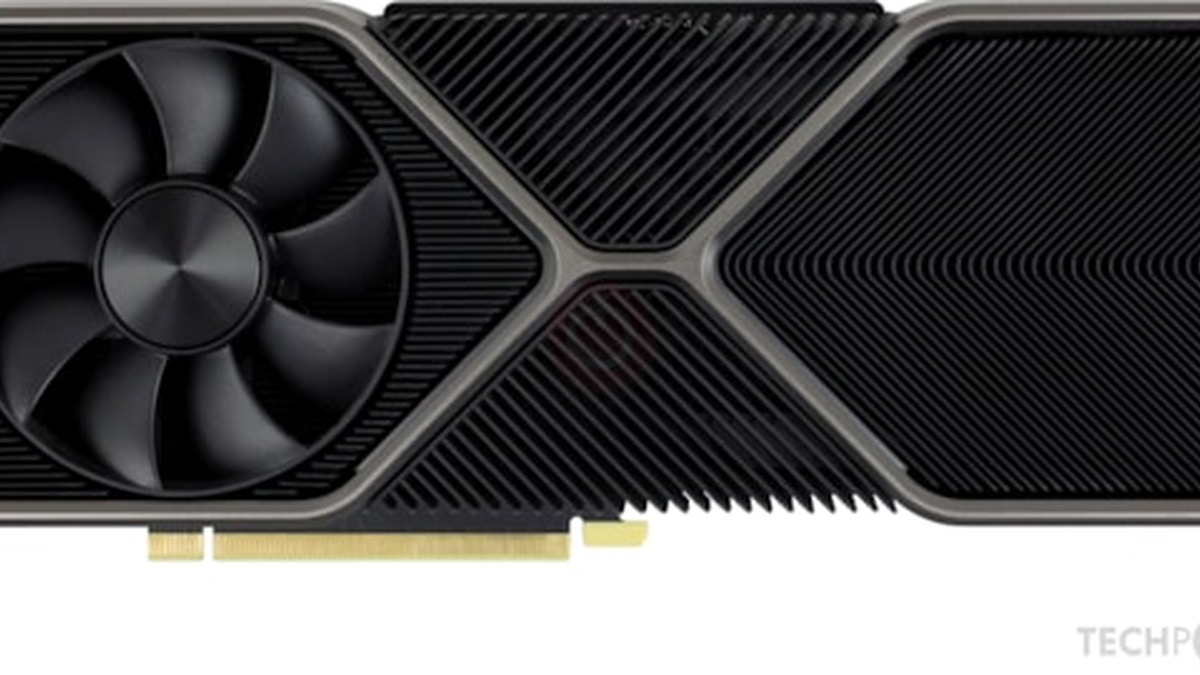
NVIDIA GeForce RTX 4070 Ti SUPER uses the hosted NVIDIA App installer, version 11.0.7.247. The package is intended for users who want the current NVIDIA driver stack and companion software in one controlled download.
Download NVIDIA Driver Package
The CTA opens the hosted NVIDIA driver package. PlugDriver keeps the file link functional while avoiding visible raw file URLs inside the article.
NVIDIA GeForce RTX 4070 Ti SUPER Product Overview
The NVIDIA GeForce RTX 4070 Ti SUPER is a high-end GeForce GPU for 1440p and 4K gaming, creator workloads and accelerated graphics tasks. Its software page is built around the NVIDIA App experience rather than a bare file list, so visitors can understand what the driver package does before downloading it.
This page helps users confirm the GPU family, software name, version and practical setup path in one place. It also gives troubleshooting notes for common post-install issues such as flicker, low frame rates and old driver profiles.
NVIDIA GeForce RTX 4070 Ti SUPER Software Overview
The hosted NVIDIA App package brings together driver updates, GPU management and access to GeForce Experience-era features in a modern interface. For the NVIDIA GeForce RTX 4070 Ti SUPER, that means the page focuses on keeping the graphics stack current, checking detection after install and giving users a clean path back to supported settings if something changes.
The software-first approach matters because the driver is only one part of the experience. Game profiles, control panel settings and clean install choices can affect stability as much as the installer file itself.
NVIDIA GeForce RTX 4070 Ti SUPER Key Features
- NVIDIA App installer with current GeForce driver support for the NVIDIA GeForce RTX 4070 Ti SUPER.
- Ray tracing, DLSS and NVIDIA Reflex support in compatible games.
- GPU monitoring and driver update workflow through the NVIDIA App.
- Game Ready Driver delivery for supported new releases.
- Control panel access for graphics quality, power and display tuning.
NVIDIA GeForce RTX 4070 Ti SUPER Technical Specifications
| GPU family | NVIDIA GeForce RTX 40 Series |
| Architecture | Ada Lovelace |
| Video memory | 16 GB GDDR6X |
| Memory bus | 256-bit |
| CUDA cores | 8448 |
| Boost clock | Up to 2.61 GHz reference class |
| Ray tracing | 3rd-generation RT cores |
| AI upscaling | DLSS 3 with Frame Generation support in compatible titles |
| Display outputs | HDMI and DisplayPort through partner cards |
| Recommended PSU class | 750 W class system power, depending on board design |
NVIDIA GeForce RTX 4070 Ti SUPER Supported Games and Apps
The NVIDIA GeForce RTX 4070 Ti SUPER benefits from driver-aware tuning in demanding games such as Cyberpunk 2077, Alan Wake 2, Baldur’s Gate 3, Starfield, Microsoft Flight Simulator, Spider-Man Remastered and Call of Duty. Creator and productivity apps can also use the NVIDIA graphics stack for GPU acceleration, viewport responsiveness and export workflows.
Supported features depend on the application, but the page is intended for users who want a practical software path for gaming, streaming, editing and general GPU maintenance.
NVIDIA GeForce RTX 4070 Ti SUPER Driver Package Details
The download action points to the hosted NVIDIA App installer version 11.0.7.247. PlugDriver does not display the raw file URL as article text; the page keeps the CTA visible and functional while presenting the software name and version in normal copy.
How to Install the NVIDIA GeForce RTX 4070 Ti SUPER Driver
- Close games, capture tools and GPU tuning utilities before starting the installer.
- Open the downloaded NVIDIA App package and follow the guided setup.
- Choose a custom install when you want to remove old profiles or keep a clean driver state.
- Restart the computer when the installer requests a reboot.
- Open the NVIDIA App or device manager and confirm that the NVIDIA GeForce RTX 4070 Ti SUPER is detected correctly.
NVIDIA GeForce RTX 4070 Ti SUPER Troubleshooting Tips
- If the installer fails, rerun it after closing overlays, recording tools and browser hardware acceleration.
- If flicker appears after install, try a clean driver install and reset custom control panel profiles.
- If performance is low, check game graphics presets, power mode, monitor refresh rate and driver version.
- If the GPU is not detected, restart the system and confirm the card is seated and powered.
- Roll back only when a newer package creates a clear compatibility issue.
NVIDIA GeForce RTX 4070 Ti SUPER Video Review
This review gives a practical look at gaming performance, power behavior and upgrade positioning for the NVIDIA GeForce RTX 4070 Ti SUPER.
FAQ: NVIDIA GeForce RTX 4070 Ti SUPER Software and Driver
Is the NVIDIA GeForce RTX 4070 Ti SUPER software download page useful for driver updates?
Yes. The NVIDIA GeForce RTX 4070 Ti SUPER software page keeps the NVIDIA App installer, setup notes and practical driver guidance in one place so users can update without hunting for scattered files.
What does the NVIDIA GeForce RTX 4070 Ti SUPER driver package control?
The NVIDIA GeForce RTX 4070 Ti SUPER driver package supports the NVIDIA graphics stack, GPU detection, Game Ready Driver updates, control panel access and gaming-oriented tuning for supported titles.
Can the NVIDIA GeForce RTX 4070 Ti SUPER software page help with low performance?
Yes. The NVIDIA GeForce RTX 4070 Ti SUPER software guidance includes clean install steps, profile checks and verification tips that help separate driver issues from game settings or power limits.
Should the NVIDIA GeForce RTX 4070 Ti SUPER driver be installed over an old profile?
A custom or clean install is often safer for the NVIDIA GeForce RTX 4070 Ti SUPER driver when older profiles cause flicker, crashes or unstable performance.
Where is the NVIDIA GeForce RTX 4070 Ti SUPER video review embedded?
The NVIDIA GeForce RTX 4070 Ti SUPER software page includes a YouTube review embed in the article body so visitors can compare the GPU before downloading the driver package.
 (No Ratings Yet)
 Loading...
